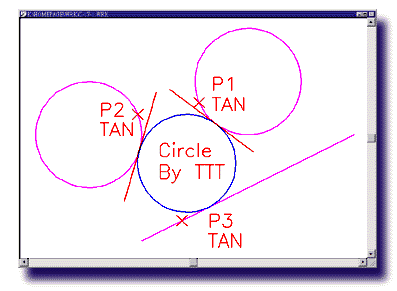
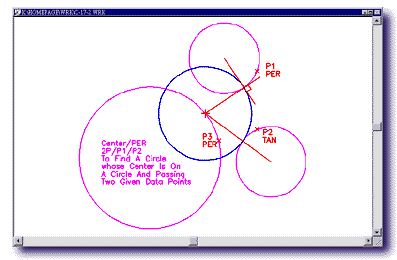
Unique 89 ways to create a CIRCLE
True ELLIPSE entity supported
Spline ARC provided for drawing free curve
Quick and flexible rectangular BOX drawing feature
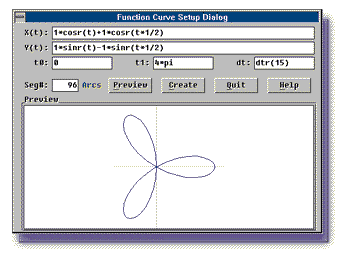
2-D parametric function curves plotting feature
Block insert in circular array
Drawing frame creation by industry standards
MINSERT to combine INSERT and ARRAY in one command
MINSERT to provide self-rotation and array-rotation
angles
Allow unequal X-Y scaling on INSERTing exploded or not
exploded BLOCKs
Dimension as a primary drawing entity
Dynamic dragging feature
Individual dimensioning feature setting (SETDIM)
Quick and versatile changes on existing dimensions
(CHANGE)
Geometric tolerance setting feature
Supports international dimensioning standards (ISO, DIN,
JIS …etc.)
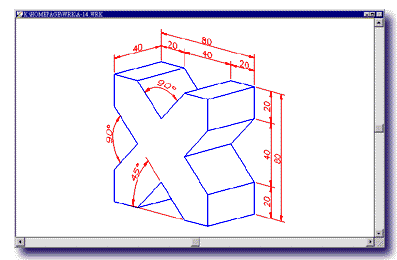
Provides 3-D projected view dimensioning feature
Provides Spline leader feature
Supports Windows TrueType fonts and PostScript Type 1
fonts
Text exploded into primary entities for industry
applications
Provides built-in symbols and special codes
Provides special feature functions
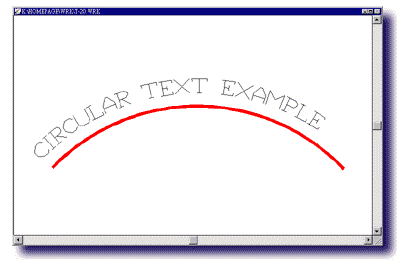
Arc aligned Text writing
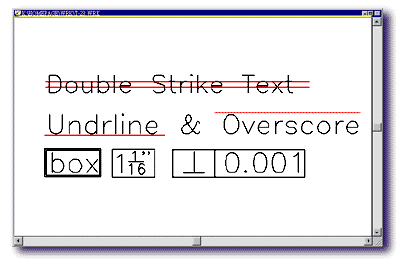
Provides text FILL feature
Supports multiple-line text input
Supports trim and extend to Text frames.
Extensive text feature controls including character
spacing and much more
Symbol construct includes Text, Attributes and Regions
with solid fill, besides primary entities
Provides 16-color settings and individual color controls
on symbols
Powerful symbol library building feature
Tag Attributes support for symbol objects
Comprehensive system CONFIGuration feature
Convenient text styles and text attributes setting
feature (DDSTYLE)
Allows pen color and background color settings
Operation history RECORDing feature
Customizable command alias
Customizable menus and toolbars
Quick Circle-filleting feature to combine Fillet and
Trim in one command
Provides continuous fillet operation
Supports elliptic arc filleting on 3-D view planes
Supports boundary polylines and boundary hatches (Pro
only)
BISECT to create bisectors for angles and line segments
CDVIEW to create detailed partial view of the drawing
Supports TAN/PER through point assignment for
line-offsetting
Provides speedy creation of multiple offset lines
through MOFFSET
MVCOPY to provide 3-D projected view operations
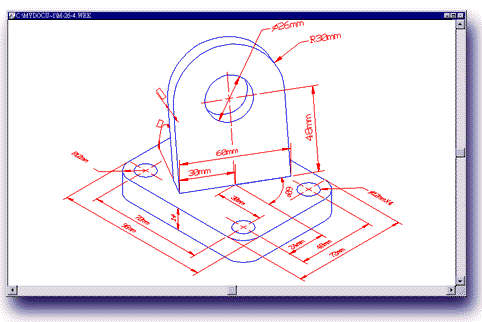
Powerful CHANGE-for-ALL feature for Circle, Text,
Symbol and Dimension
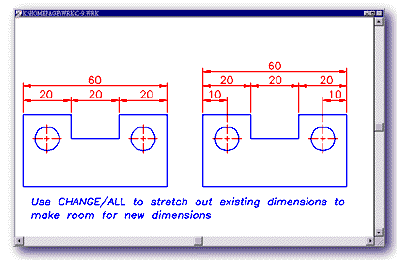
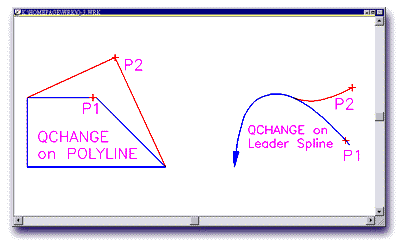
QuickCHANGE of single entity properties/attributes
(text contents,lengths, radii, vertices, dimension extension lines, and segment node
points for POLYLINEs and LEADER lines)
QuickTRIM to combine Trim and Extend in one command
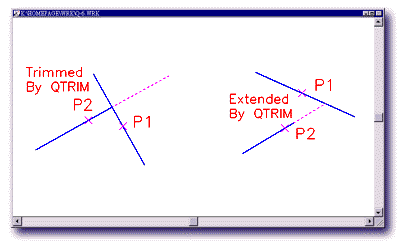
Allows Trim or Extend to Blocks and Texts
Trim or break to selected boundaries (Pro only)
ALIGN to combine Move and Rotate in one command
SCALE to provide dynamic alignment operation with
move/rotate feature
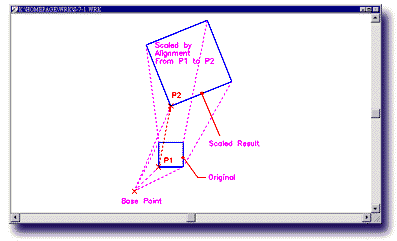
Scaled by reference feature
Allows text entry field editing
Provides wide line setting feature
Solid Fill/Unfill feature for entities with closed
boundary
User-friendly GUI for entity property settings (CHPROP)
Provides multiple Undo/Redo's
UNDUP to delete duplicated entities
Drawing may be Purged any time in the session
Remove or Rename blocks, layers, linetypes…etc.
from the drawing file
Object selection masking by entity type or layer name
Provides Color and Linetype masking features
Showdir command to display drawing entity direction
Text automatically replaced with empty frame for quick
text display
Provides FASTLTYPE variable setting for quick regen of
drawings with complex linetypes
Supports drawing image output in WMF, BMP, GIF, PCX and
TIFF formats
Allows different pen-width settings for printing output
Plotter driver configurable through Plotter Definition
File
Supports DWG and DXF drawing file formats through R14
Allows cut and paste of drawing in DWG or WMF formats
PASTEXT command to paste selected texts from Windows
clipboard
|